

The production floor everyone runs right from the workstation.
Production orders, workstations, machines and time tracking on one terminal that workers operate by scanning. With shop-floor calculators, material bookings against your warehouse and quality checks, no paper slips and no standalone tools.
In a lot of workshops production still runs on paper: the travel sheet on the order, the piece count in someone's head, the hours on a tally list. You only notice what's missing when the material runs out or the customer asks about the delivery date.
In aYOUne your workers run production straight from the terminal: scan the order, start it, book material, report it done. Every step lands in the system right away, visible to work scheduling, the warehouse and sales. No retyping, no double entry.
Run production orders
Create and scan orders
Keep production orders with a number and subject, search them and pull them up at the workstation by barcode.
Start, pause, resume
Workers start, pause and resume an order right at the terminal. Start is the default action when they scan.
Report done or cancel
Completion and cancellation sit right on the order, and a finished order reports itself onward automatically.
Book material against the warehouse
During a production step, material use is booked against a warehouse and bin location, with stock levels shown right on the device.
Production schemes and processes
Define workflows through schemes and processes, with a costing scheme, department and wage group.
Drawing and 3D model on the step
Show a 3D model or a technical drawing for a production step, right at the workstation.
Workstations and machines
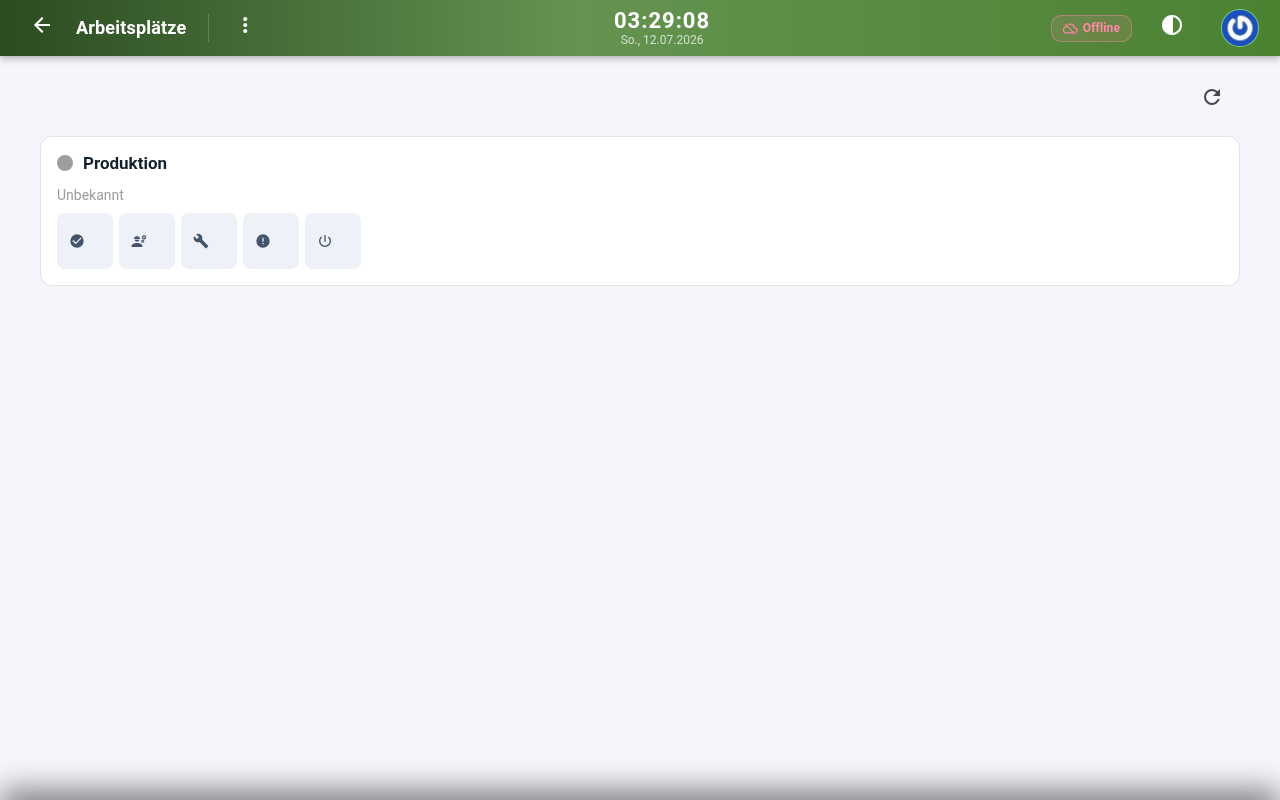
Workstation overview
Manage workstations with their assigned machine, default and current worker, team, skills and running order.
Sign in at a workstation
A worker signs in to a workstation at the terminal and sees their active orders straight away.
Set the status
Activate or deactivate a workstation, or mark it as occupied or under maintenance, right on the device.
Report a fault
Faults and material breakage get reported at the workstation and logged separately, instead of being passed on by word of mouth.
Machines and tools
See machines and their running status at the terminal, and scan tools by barcode or tool number.
Machine utilization
Utilization per machine is captured as its own metric and can be evaluated.
Calculators, time and quality at the terminal
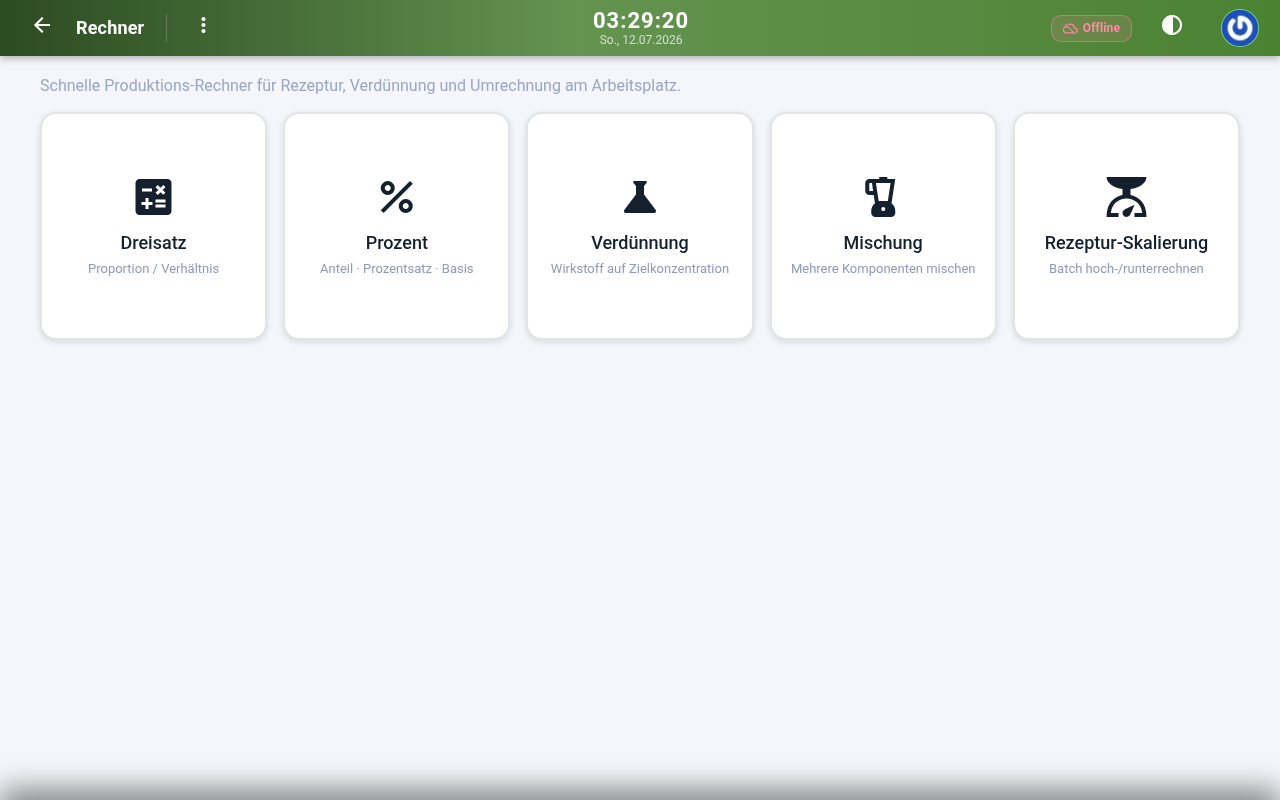
Rule-of-three calculator
Convert quantities with the rule of three right at the workstation, without a pocket calculator or phone.
Percentage calculator
Work out the share, base and percentage with built-in formulas.
Dilution calculator
Bring an active ingredient to a target concentration, in single-target or multi-target mode with a starting amount and a final amount.
Mixing and recipe calculator
Calculate mixtures from several components right at the terminal.
Time tracking on the order
Record working hours per worker against an order, cost center and task, straight from the shop floor.
Quality control
Capture inspections as scannable quality checks, including a material check before production starts.
What production ties together with the rest
Because production works on the same data, the neighboring areas mesh directly:
- Material use and stock in Inventory management
- Products, recipes and bills of material from the PIM
- Terminals and scanners from IoT & Devices
- Order events as triggers in Automation
- Machine utilization and logs in Reporting
Is your production still running on travel sheets?
In thirty minutes we'll show you how a worker handles the order, time and material on one terminal, with calculators, material bookings and quality control.
Book a demo See all modules