

Control Panel: the screen at the workstation
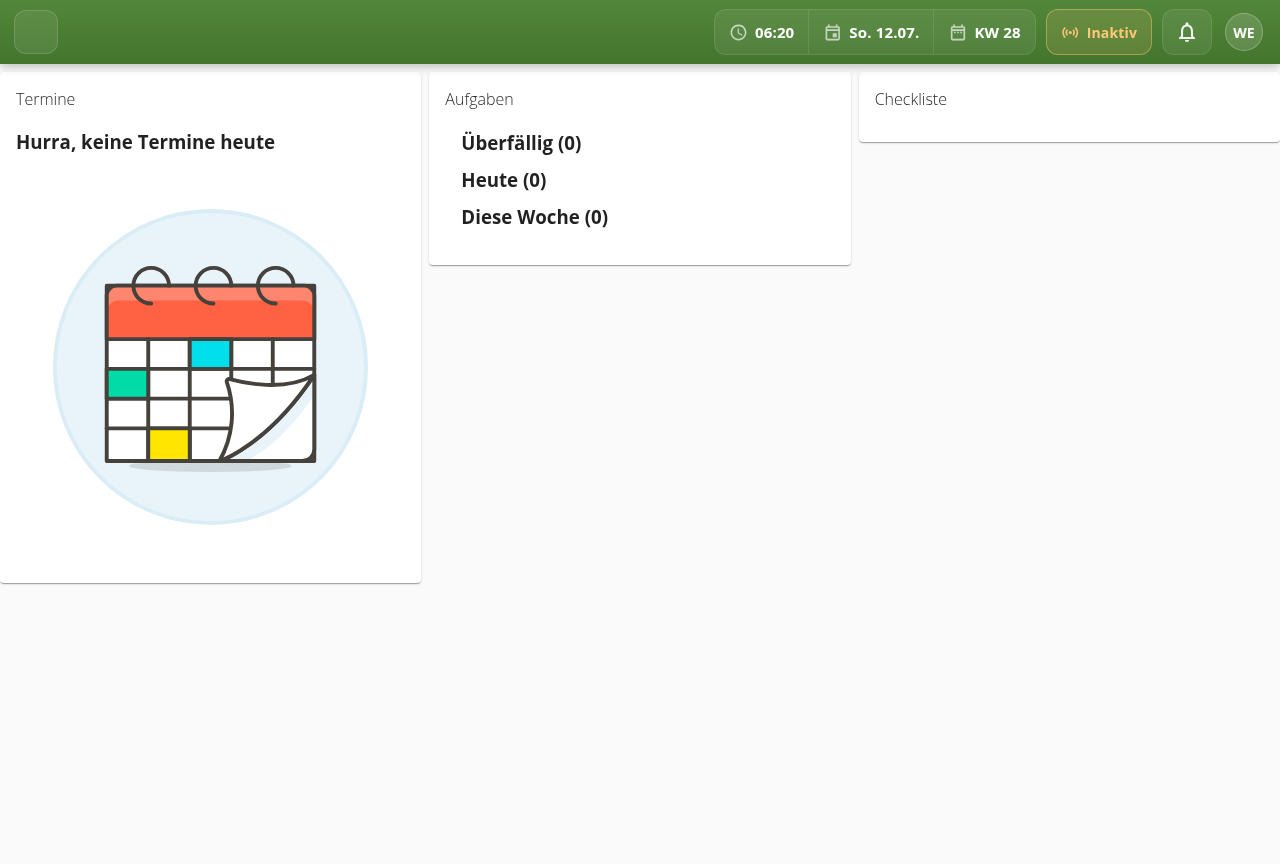
Appointments, tasks and checklists for the day, right at your own workstation, signed in with an employee card.
Sign in by card
Tap the employee card, the panel shows the day right away.
Appointments
The day's own appointments at a glance.
Tasks
Open tasks, sorted by priority, ticked off directly.
Checklists
Recurring routines as a checklist, step by step.
Your own workday, right at the workstation
The control panel sits where the work happens: at the machine, at the front desk, in the workshop. After signing in with an employee card it shows exactly what matters for the day: appointments, open tasks and the right checklist.
Without a sign-in the screen stays friendly and neutral, waiting for the next card. Once signed in, it shows the personal status, live from aYOUne.
A control panel for your workstation
We set up appointments, tasks and checklists for your workflow.
Demo anfragen