

Your own screens, tills and terminals, managed centrally, with live data.
aYOUne runs your devices without third-party hardware and without a third-party cloud: wall displays, POSPOSPOS (Point of Sale) is the checkout where a sale is rung up and paid — in store or mobile. The aYOUne POS posts each sale straight into stock and accounting. tills, scanner and access terminals, ad displays. One consistent onboarding via QR pairing, remote updates, watchdog and remote control, and every device shows real data from your system.
The wall display in the warehouse shows the day's key figures, at the till a colleague rings up a sale, at goods-in someone scans a carton, and all three devices run in the same system, on the same data. No third-party cloud, no island solution: in aYOUne you set up your screens, tills and terminals centrally, pair them with a QR code and manage them from one console. The software behind it is part of the platform, the hardware comes from our own device line.
Device profiles & kiosk
One fleet, several roles. You pick a profile per device, and the same setup turns it into a wall display, a till or a terminal.
Six profiles, one setup flow
Wall display, control panel, terminal, ad display, till and access all share the same setup path. You pick one profile per device when flashing, everything else works the same.
Company wall display
The big screen for the team: key figures, status and signage from many widgets, on the wall in the office or the warehouse.
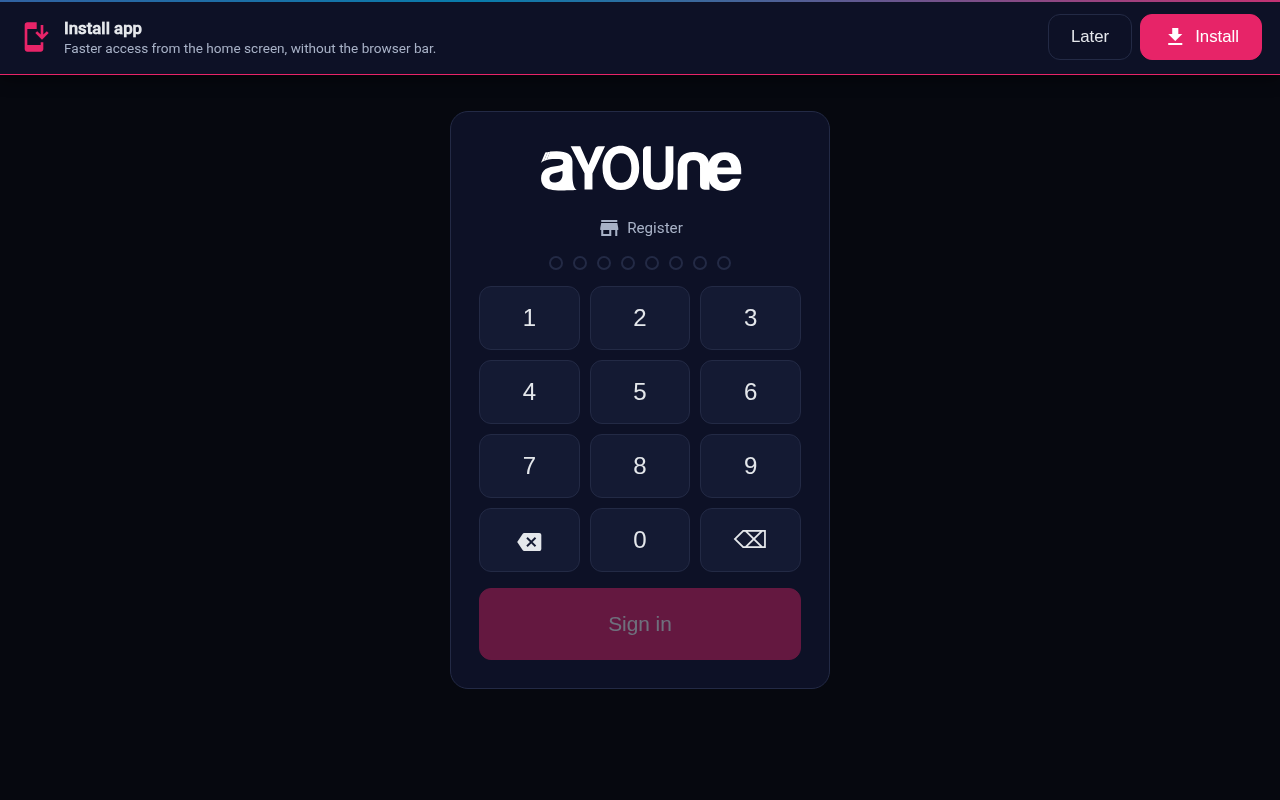
POS till with PIN login
The checkout station for selling and taking payment. Your staff sign in with a PIN, the sale posts straight through.
Production and warehouse terminals
Fixed screens in the workshop and warehouse where people book, scan and report back.
Access terminals & ad displays
Access points at doors and advertising displays in the room, from the same fleet and the same onboarding.
Provisioning & remote maintenance
Set up devices and keep them running without being on site for every little thing. From the first pairing to the remote update.
QR pairing
Flash the device, scan the QR code it shows, paired. No setup over the command line.
OTA updates
New software reaches the devices automatically over the network, with no on-site visit and no device swap.
Watchdog & telemetry
Every device reports its heartbeat, load and uptime. If one drops out or stalls, you see it right away.
Remote screenshot & remote control
See from afar what a screen is currently showing, switch the page or restart the device.
Device console
All devices in one overview, with location, role and live status at a glance.
Device blueprints
Templates for recurring setups, so the next device starts configured correctly from the outset.
Peripherals & connectivity
The devices don't stand on their own. Printers, scales and scanners plug into them, and what they show comes from your real data.
Peripheral bridge
Printers, scales and scanners plug into the device and talk to aYOUne, with no extra software.
Live data from the same system
What a device shows or books comes from your real data, not from a separate copy.
Self-hosted remote infrastructure
Remote access and control run over our own servers, not over a third-party cloud.
Badge & NFC login
Staff sign in at the terminal or till with a badge or NFCNFCNFC is the wireless tech for paying and logging in by tapping — hold a card or phone to the reader. aYOUne uses it at terminals and access readers. card, no password typing.
Who works with it
Operations & workshop
Terminals and wall displays for booking, scanning and showing the day's figures right at the machine and in the warehouse.
Retail store
Tills and access in the shop, a checkout system that posts the sale straight into the warehouse.
IT & administration
Create, pair, update and maintain devices remotely, without being on site for every one.
What the IoT module connects to
Because the devices work on the same data as the rest of the platform, every booking and every figure feeds straight into other modules:
- Tills and scanners book directly into Inventory Management
- Terminals in the workshop report progress to Production
- Sales at the till land in Sales
- Wall display figures come from Reporting
- Device events trigger workflows in Automation
How many of your screens and tills really run smoothly?
A 30-minute demo shows how you pair devices via QR, update them remotely and drive them with real live data, from the wall display to the till.
Book a demo See all modules